See how SeatPlanify works.
Explore the main features through screenshots: guest list, RSVP system, budget planner, floor plan, seating chart, statistics and token-based access.
Event planning features in pictures
Click any image to open it fullscreen and browse the gallery.
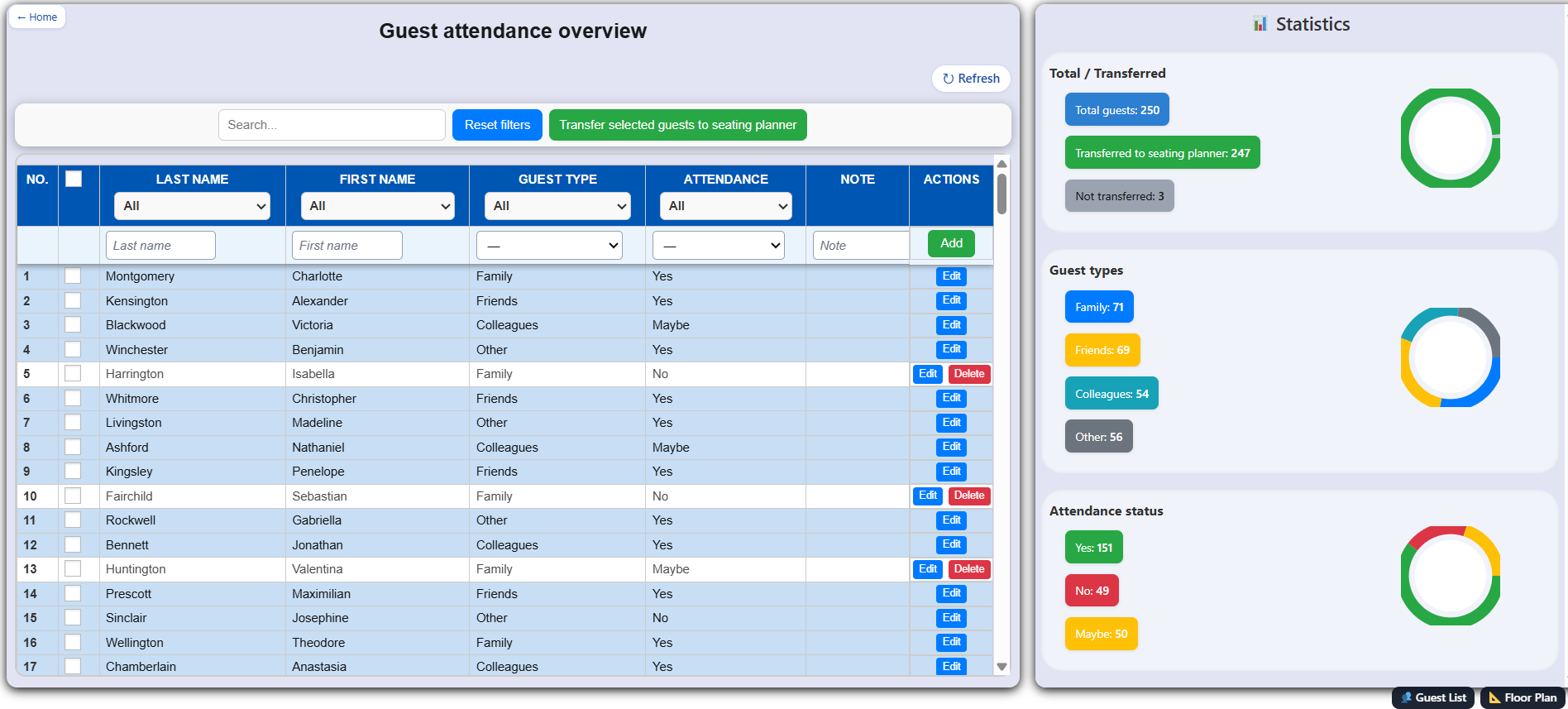
Guest list
Add guests, manage attendance, notes and guest types in one clean table.
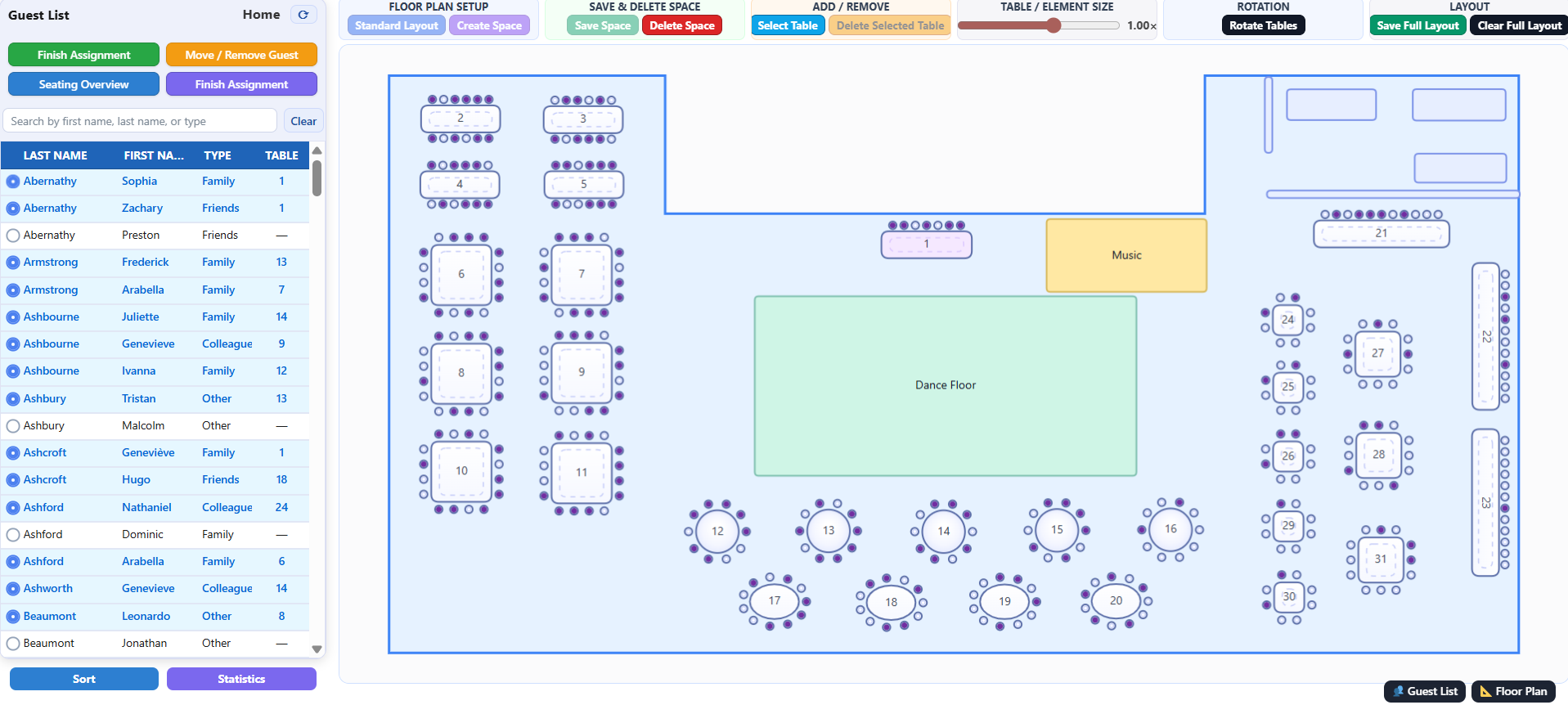
Floor plan
Create a visual room layout and organize tables inside the event space.
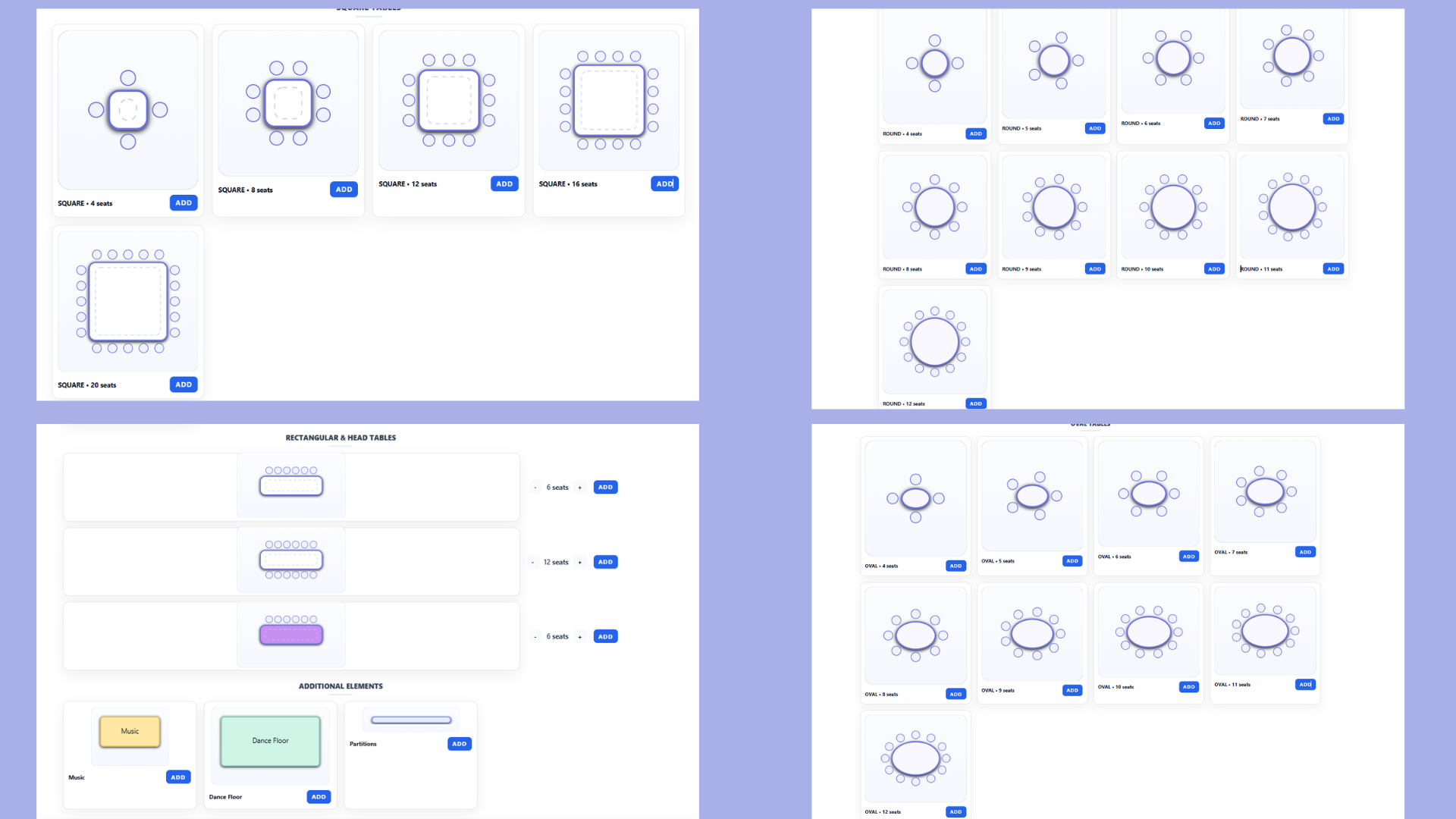
Add tables
Use round, oval, square or rectangular tables and adjust the layout easily.
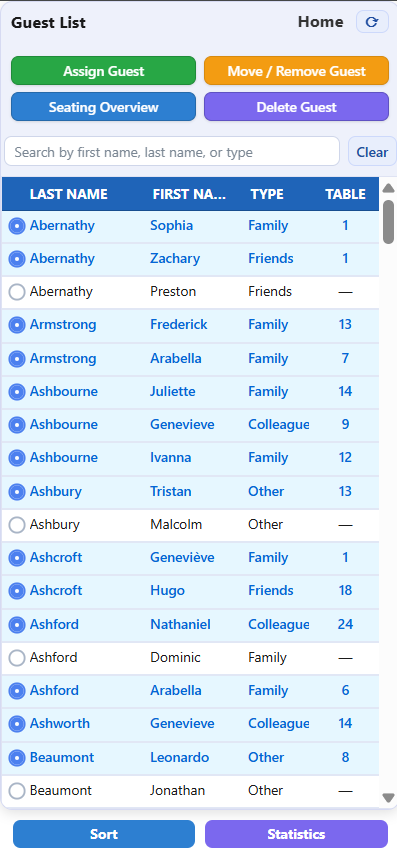
Assign guests
Select guests and place them directly onto available seats.
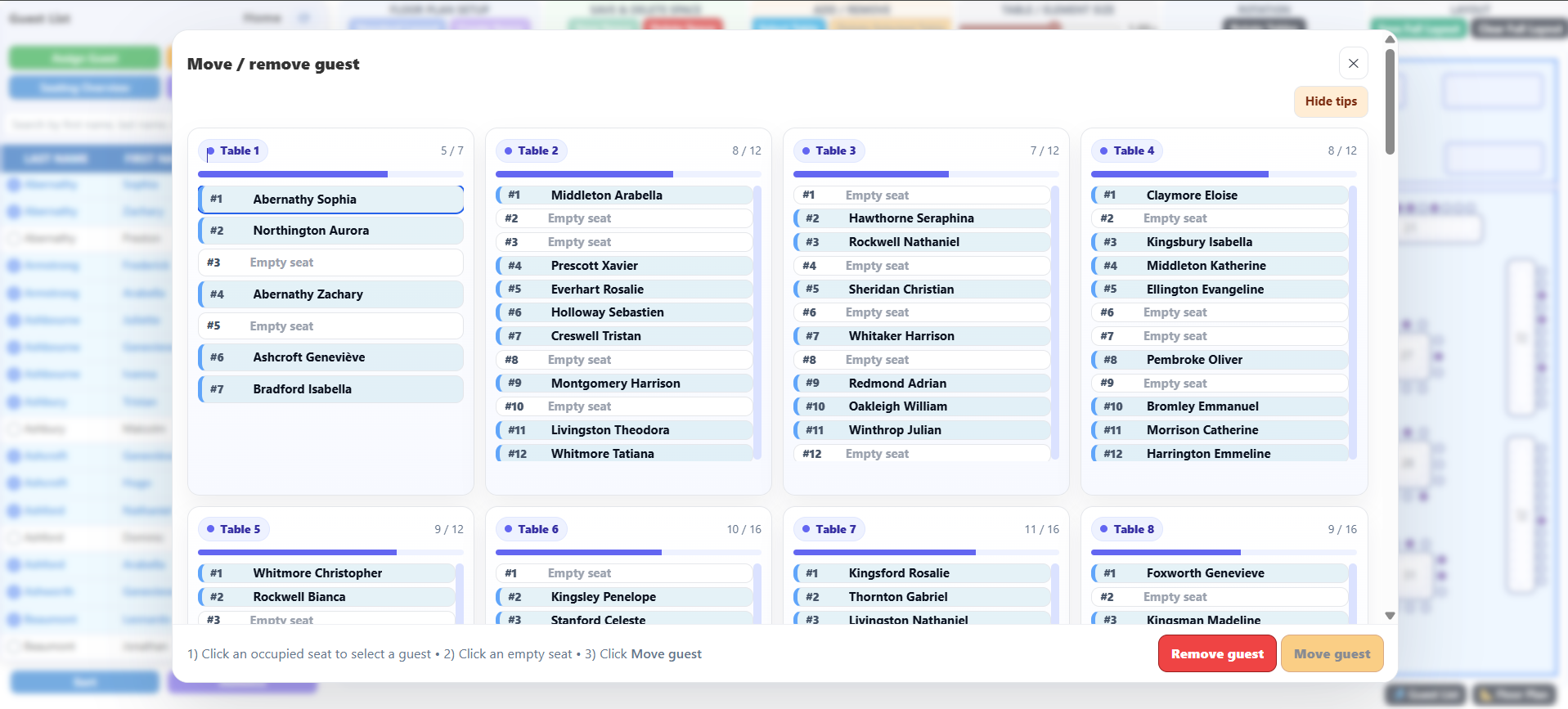
Move guests
Change seating positions quickly without rebuilding the whole plan.
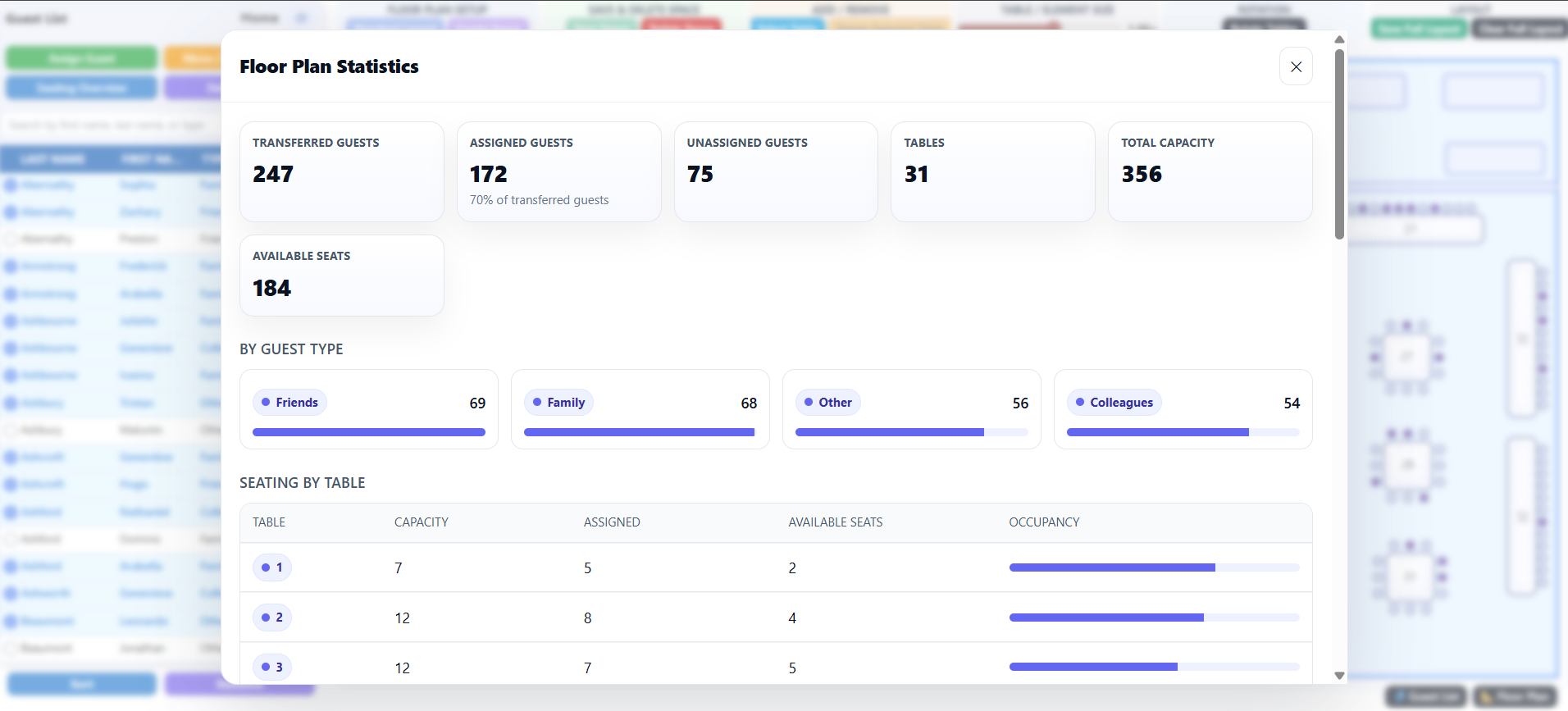
Statistics
Track guest numbers, attendance status and transferred guests visually.
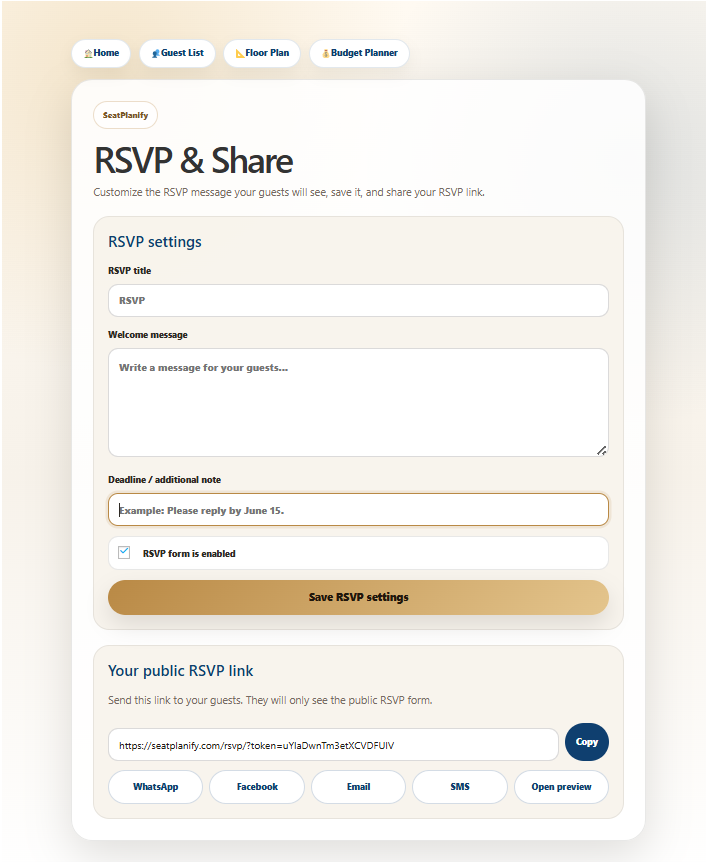
RSVP responses
Share RSVP links with guests and collect online attendance confirmations automatically.
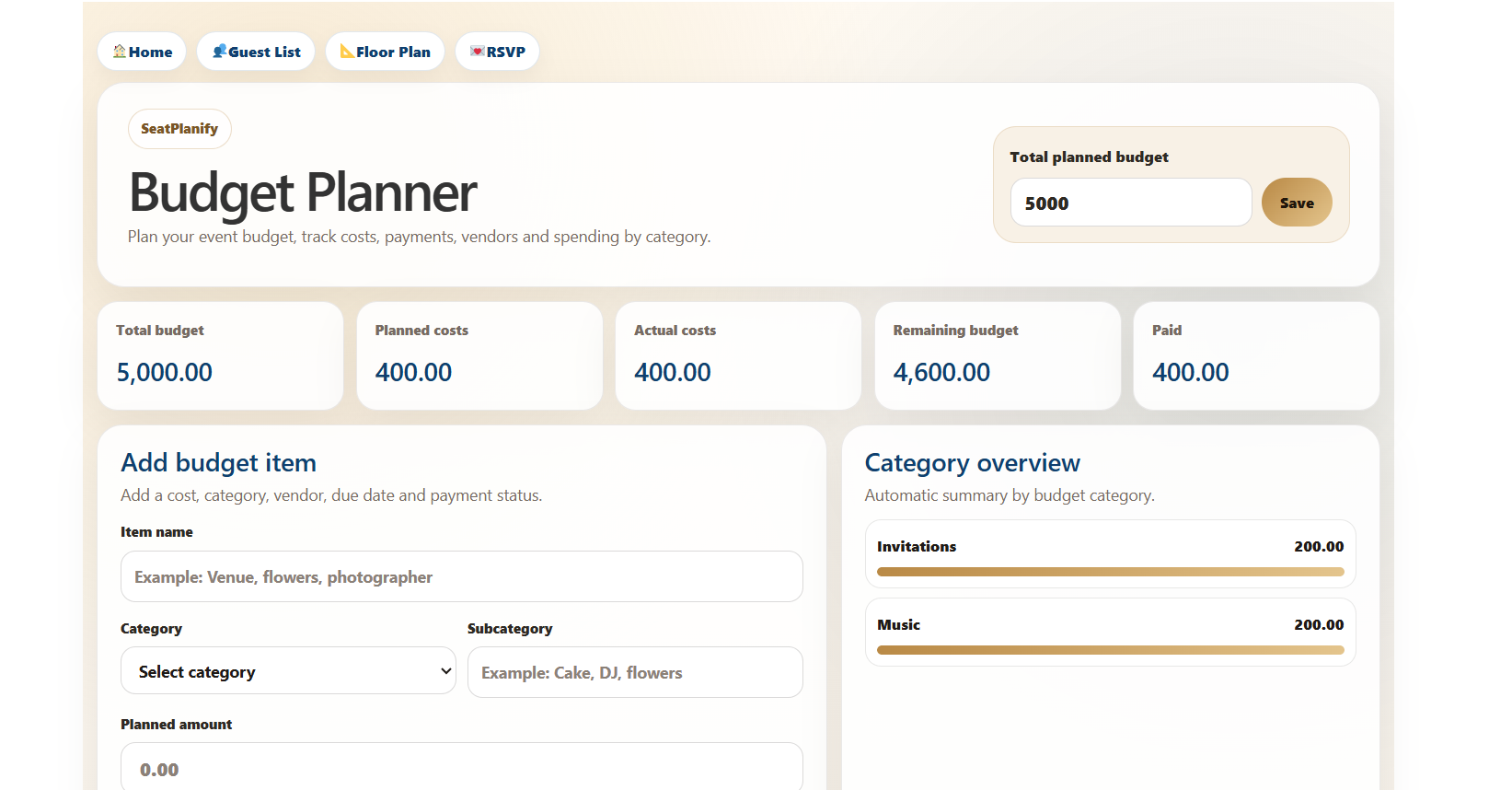
Budget planner
Track planned, actual and paid event expenses with categories, summaries and remaining budget overview.
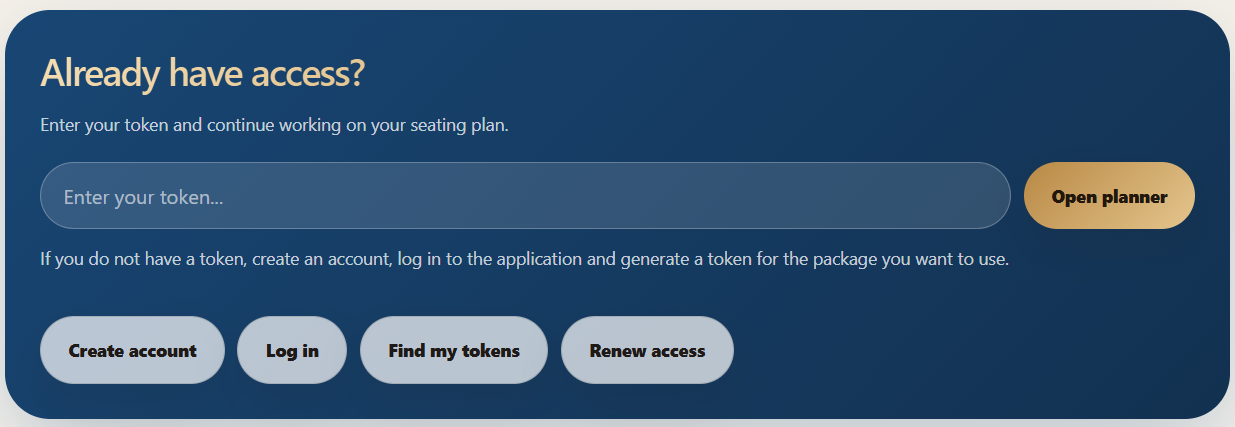
Token access
Open the planner securely with your access token from any supported browser.
Free demo
Try the planner with a temporary demo token before choosing a package.
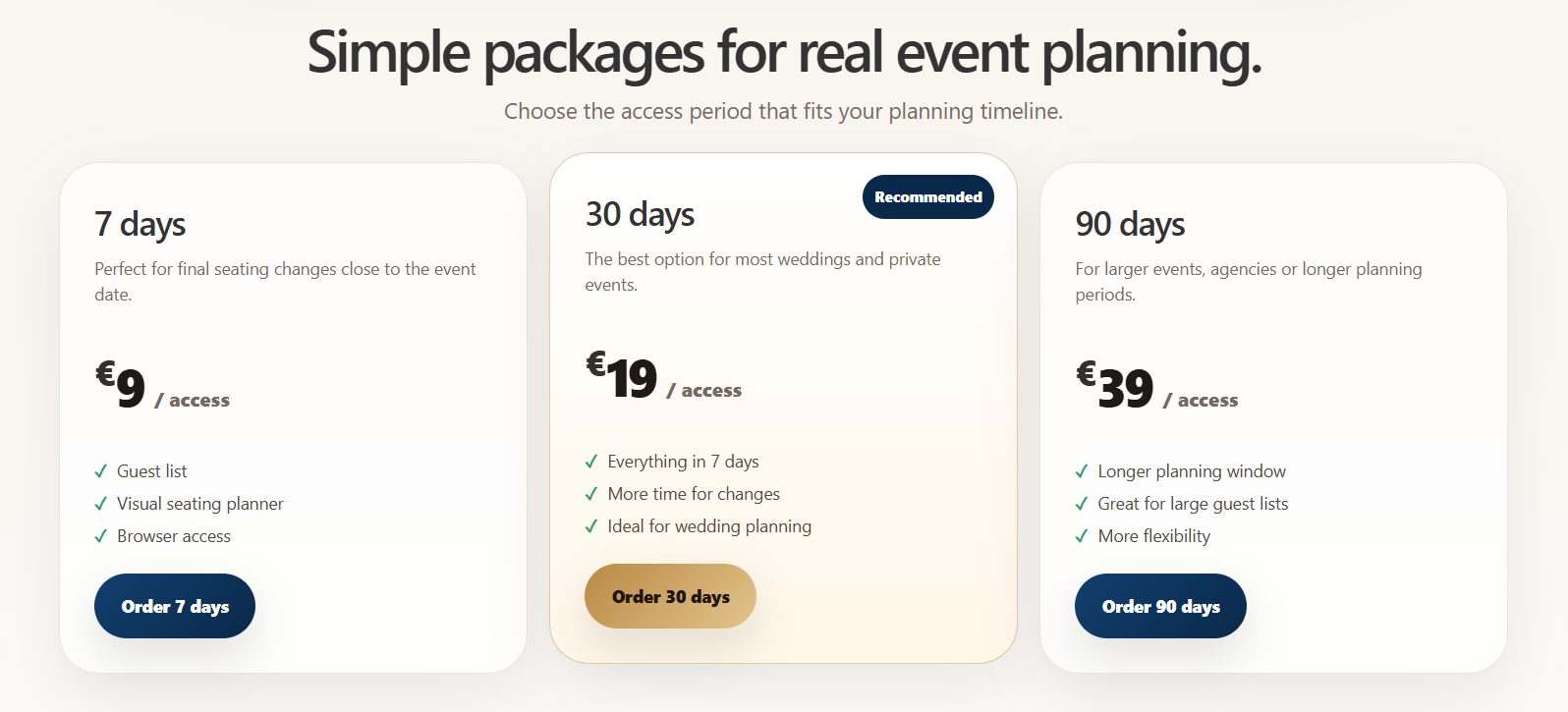
Packages
Choose 7, 30, 90 or 180 days of access and pay securely with your credit/debit card or PayPal account.

Renew access
Extend your access period while keeping the same token.
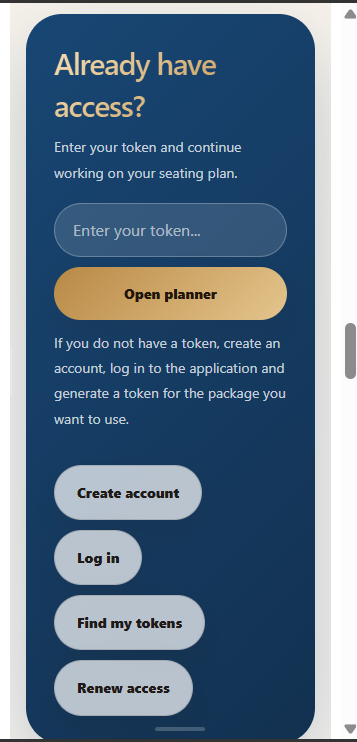
Mobile access
Use mobile for account access, package ordering, card payments and token management. Full editing works best on desktop.
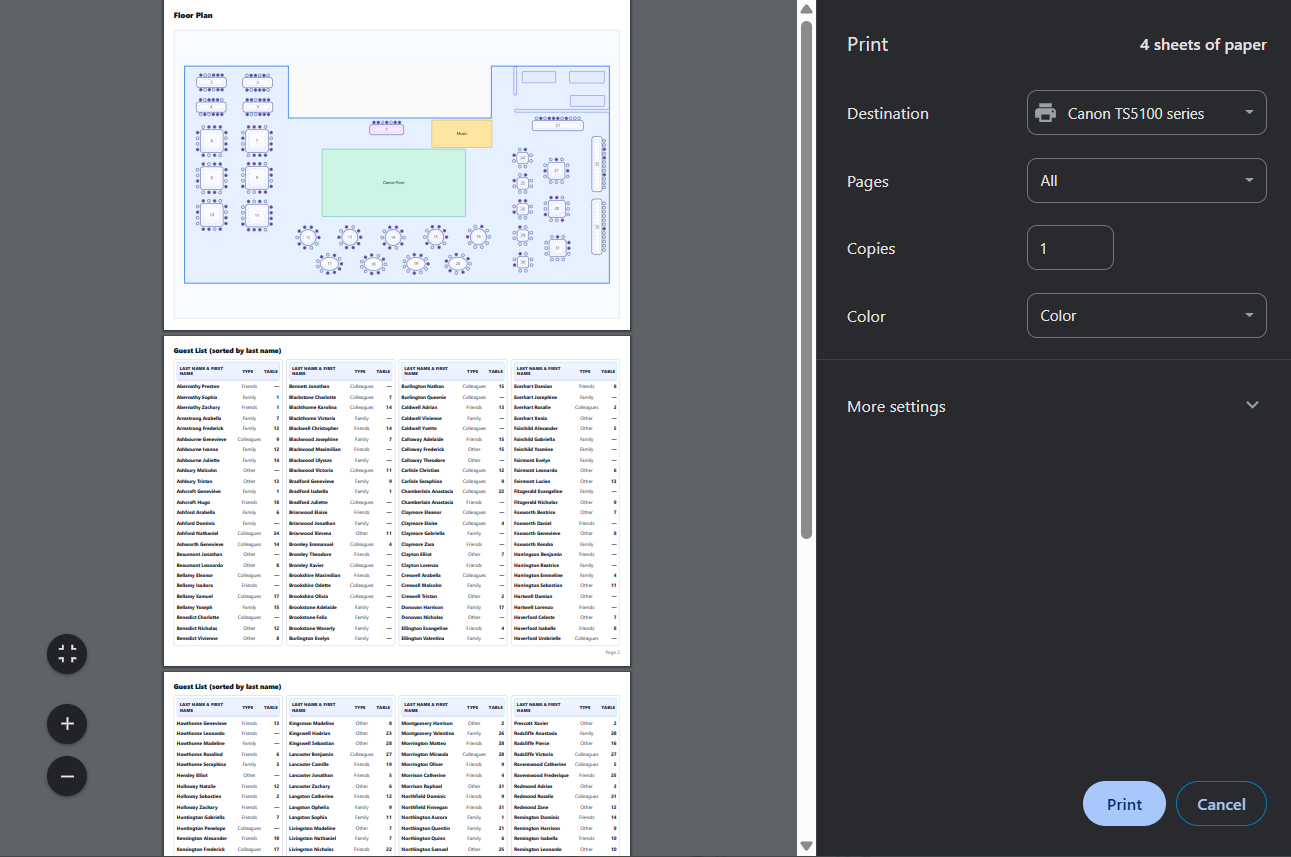
Final seating chart
Prepare a clear final room layout for your wedding or private event.

Digital invitations
Upload an invitation image and share it together with your RSVP link so guests can view the invitation and respond online.
Want to try it yourself?
Start with the free demo or choose a package and create your own guest list and seating chart online.